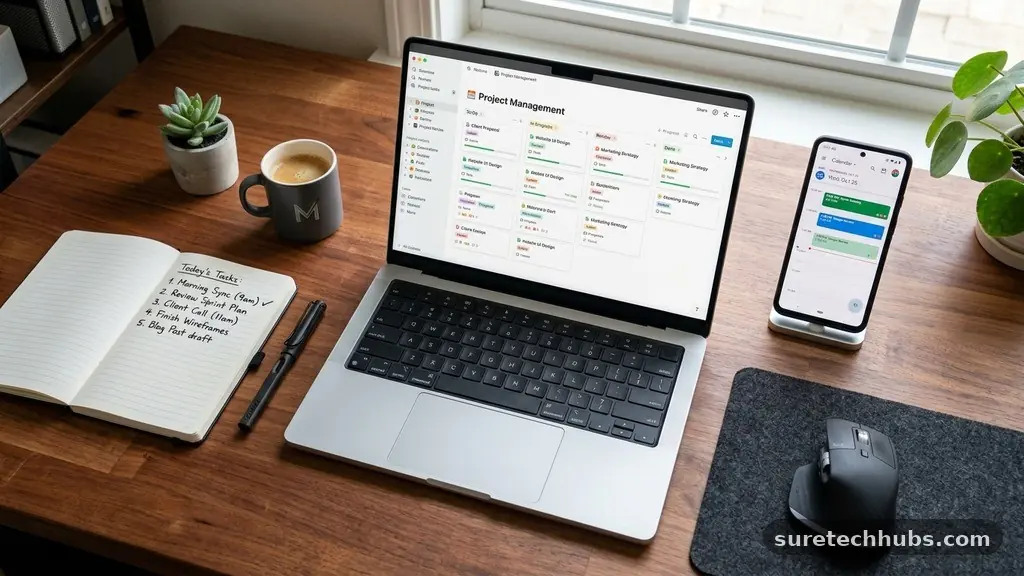
Best Free Productivity Tools to Organize Your Digital Work
Finding the best Free Productivity Tools to Organize Your Digital Work is essential for anyone drowning in browser tabs, scattered notes, and missed deadlines. When your digital environment is cluttered, your cognitive load increases, making even simple tasks feel overwhelming.
By choosing the right mix of software, you can reclaim your focus and build a sustainable workflow that evolves with your professional needs. This article highlights the most effective, no-cost solutions available today, helping you build a centralized hub for your projects, time, and information without spending a dime.
Centralizing Your Project Management
Project management is the backbone of any organized digital workspace. Without a dedicated system, you are likely relying on memory or fragmented email threads to track progress.
Tools like Trello and Notion offer powerful free tiers that allow you to visualize your workload through boards, lists, and calendars. These platforms transform chaotic to-do lists into structured environments where you can assign deadlines, attach files, and collaborate with others.
Trello is particularly useful for those who prefer a Kanban-style approach. You can create columns for “To Do,” “In Progress,” and “Done,” moving cards across the screen as you complete tasks. This simple visual cue provides an immediate sense of accomplishment and clarity regarding your status.
Meanwhile, Notion offers a more document-centric approach. You can build wikis, databases, and project trackers all within one interface, which is ideal for those who need to store extensive research alongside their active tasks.
When selecting your project management tool, consider how much structure you actually need. Over-engineering your system can lead to “productivity theater,” where you spend more time organizing tasks than actually performing them. Start with a basic board in Trello or a simple table in Notion.
If you find yourself needing more complexity, expand your setup gradually. This approach ensures your digital workspace remains a tool for work rather than a distraction.
Mastering Your Calendar and Scheduling
A digital calendar is the primary tool for managing your most precious resource: time. While most people have access to a basic calendar through their email provider, integrating it with a specialized scheduling assistant can save hours of back-and-forth communication.
Google Calendar remains the industry standard for its ability to sync across all devices and integrate with virtually every other productivity application. Using it effectively means blocking out time for deep work, not just meetings.
To truly master your schedule, try the technique of time-blocking. Instead of maintaining a separate to-do list, assign each task a specific slot on your calendar. This forces you to be realistic about how long a project will take to complete.
If a task doesn’t fit on your calendar, you likely don’t have the time to do it that day. This method prevents the common pitfall of over-committing and helps you maintain a balanced workload throughout the month.
Many professionals also benefit from using a free scheduling tool like Calendly to manage appointments with others. By sharing a link to your availability, you eliminate the endless email chains associated with finding a meeting time.
These tools check your primary calendar to ensure you never double-book yourself. By automating this aspect of your digital work, you remove a significant administrative burden and can focus on the tasks that actually move the needle.
Capturing Ideas and Storing Knowledge
Your brain is for having ideas, not for holding them. A reliable note-taking system acts as your “second brain,” ensuring that insights and project requirements are never lost.
Obsidian and Microsoft OneNote are standout options for storing knowledge because they allow for non-linear thinking. Obsidian, for instance, uses a graph view to show how your different notes and ideas are connected, which is perfect for creative or research-heavy projects.
When you capture information, prioritize speed over perfection. Use a simple app like Google Keep for quick, ephemeral notes that you need to access on the go. For long-term projects or reference material, move your notes into a more robust structure.
The goal is to create a searchable database where you can retrieve information within seconds. If you have to spend more than a minute looking for a file, your organization system needs to be simplified.
Consider adopting a standardized naming convention for your files and notes. Even with the best free productivity tools, a disorganized filing system will hinder your progress.
Use prefixes like dates or project codes so that your files sort themselves logically. This small habit reduces the friction of searching for documents, allowing you to maintain your flow state throughout the workday.
Comparing Popular Productivity Platforms
Choosing the right combination of apps depends on your specific work style and the complexity of your projects. Some users prefer all-in-one solutions, while others like to combine specialized tools to create a custom stack. The following table compares some of the most widely used free platforms to help you decide which might fit your current needs.
| Tool Name | Best For | Key Feature |
|---|---|---|
| Trello | Visual Project Tracking | Kanban Boards |
| Notion | Knowledge Management | Flexible Databases |
| Google Calendar | Time Management | Seamless Syncing |
| Obsidian | Research and Note-Taking | Linked Graph View |
| Todoist | Daily Task Management | Natural Language Input |
Streamlining Communication and Focus
Digital communication is often the biggest thief of productivity. Notifications from email, messaging apps, and social media can shatter your concentration in seconds. To combat this, use tools that help you manage your focus.
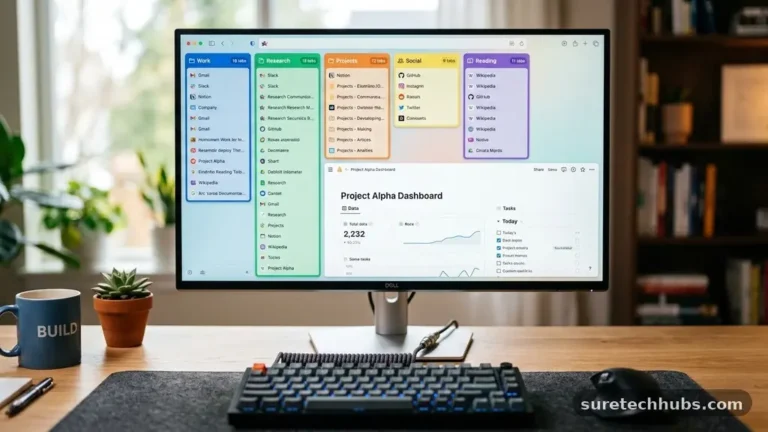
Many modern browsers now include built-in features to silence notifications or group tabs, which is a simple way to declutter your digital environment. For a more comprehensive look at managing your attention, you can read more about the effects of multitasking on productivity from the American Psychological Association.
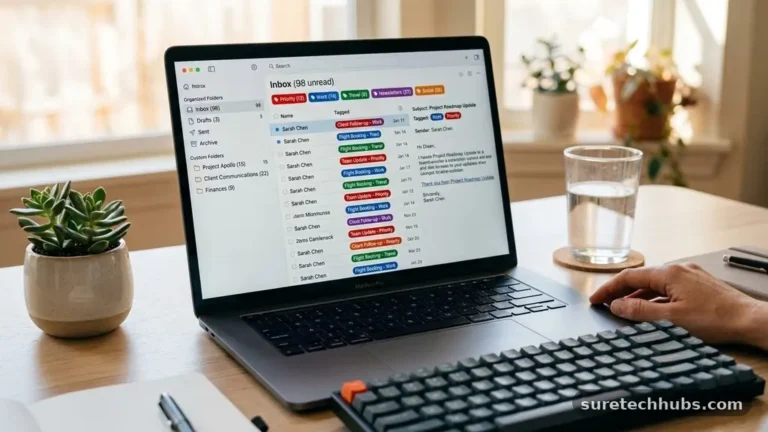
Consider implementing a “communication budget” for yourself. Rather than checking your inbox every time a notification pops up, set specific times during the day to process your messages. If you are working on a high-priority task, use a website blocker to restrict access to distracting sites for a set period.
Tools like Cold Turkey or simple browser extensions can help you enforce these boundaries. Remember that your time is your own; don’t let external pings dictate your daily agenda.
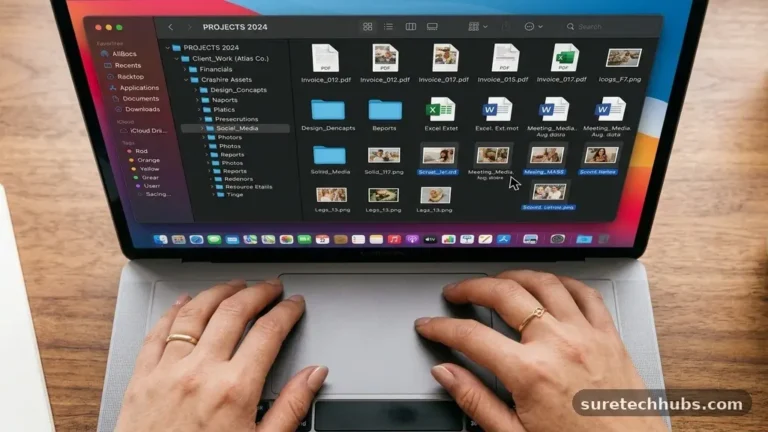
It is also helpful to organize your digital desktop and file system to reduce visual noise. A cluttered desktop is often a reflection of a cluttered mind.
Spend ten minutes at the end of every week archiving old files and clearing your downloads folder. This simple ritual ensures you start every Monday morning with a clean slate, reducing the anxiety associated with staring at a disorganized workspace.
Essential Features to Look For
When you evaluate new apps for your digital toolkit, don’t be swayed by marketing fluff or complex features you don’t need. The best free productivity tools to organize your digital work should prioritize a few core attributes.
First, look for a clean, intuitive user interface that doesn’t require a steep learning curve. If you spend more time learning the software than using it, you have chosen the wrong tool.
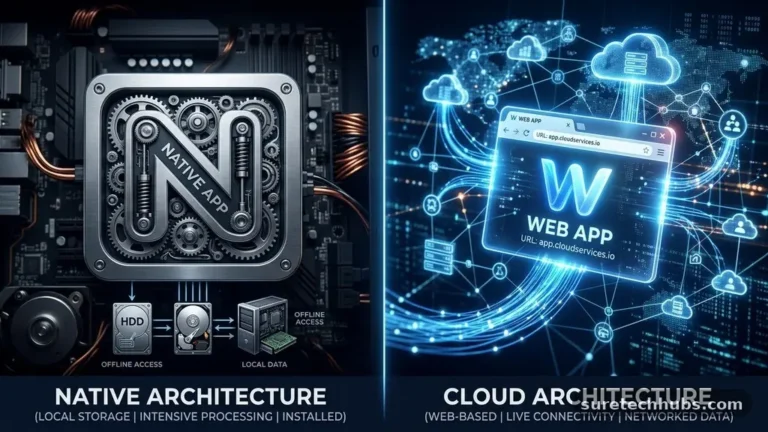
Second, prioritize cross-platform compatibility. You should be able to access your tasks, notes, and calendar from your phone, laptop, and tablet without any friction. If an app doesn’t sync reliably across all your devices, it will eventually become a source of frustration rather than a help.
Third, consider the export options. You want to ensure that if you eventually need to switch to a different platform, you can easily take your data with you.
Finally, check the limitations of the free tier. Many apps offer “freemium” models that are generous enough for individual users but start to charge once you add team members or exceed storage limits.
Ensure the free plan includes the features that are most critical to your workflow. A tool that is free but hides essential functionality behind a paywall is rarely worth the time it takes to set up.
Frequently Asked Questions
How do I choose between a task manager and a project management tool?
A task manager like Todoist is designed for daily, actionable to-dos, while a project management tool like Trello is for tracking the long-term progress of complex projects. If your work involves multiple stages and dependencies, you need a project manager. If you simply need to remember what to do today, a task list is sufficient.
Is it better to use one all-in-one app or several specialized ones?
This is a matter of personal preference. An all-in-one tool like Notion reduces the need to switch between apps, but it can become cluttered. Using specialized tools often results in a more robust system, but it requires you to ensure the apps work well together. Start simple and add more tools only when you identify a specific gap in your workflow.
How often should I review my productivity system?
You should perform a quick daily review to clear your inbox and update your daily tasks. Perform a more thorough weekly review on Friday afternoon or Monday morning to plan for the upcoming week. This keeps your system accurate and prevents tasks from slipping through the cracks.
Are free tools actually safe for my data?
Most major, reputable productivity companies use standard encryption to protect your data. However, you should always review the privacy policy of any app you use. Avoid storing highly sensitive information like passwords or financial records in general-purpose note-taking apps.
What is the biggest mistake people make with these tools?
The most common mistake is over-complicating the system. Many people spend hours setting up complex templates and automation workflows that they never actually use. Focus on the simplest possible system that gets the job done, and only build more complexity if you truly need it.
Building Your Sustainable Workflow
Organizing your digital life is not a one-time project but an ongoing practice. The best Free Productivity Tools to Organize Your Digital Work are only as effective as the habits you build around them.
Start by identifying the one area of your workflow that causes you the most stress—whether it is missed deadlines, lost information, or a cluttered schedule. Choose a single tool to address that specific pain point, and use it consistently for at least one month.
Once that habit is solidified, you can gradually introduce other tools to handle different aspects of your work. Be patient with yourself as you find the right rhythm.
Your digital environment should serve your goals, not dictate them. By keeping things simple and focusing on the tools that provide the most value, you can build a productive, stress-free workspace that allows you to do your best work every single day.